SPF, DKIM, and DMARC Policy Explained – How to Authenticate Your Email?
Blog/ SPF, DKIM, and DMARC Policy Explained – How to Authenticate Your Email?
Why Email Authentication Matters in 2026
Email authentication is no longer optional. Providers like Gmail, Yahoo, and Microsoft now require strict SPF, DKIM, and DMARC checks. Without them, your emails risk being flagged as spam, rejected outright, or worse — your domain could be spoofed for phishing attacks.
At SunServer.in, we help businesses configure these records correctly to ensure:
- ✅ Trusted email delivery
- ✅ Protection against spoofing & fraud
- ✅ Strong sender reputation for long‑term deliverability
🌐 SPF (Sender Policy Framework)
SPF is your domain’s first line of defense. It tells receiving mail servers which IPs or services are authorized to send emails on your behalf.
How SPF Works: When an email is received, the destination server checks the sending IP against your SPF record. If it matches, SPF passes; if not, it fails.
Example SPF Record:
Code
v=spf1 include:_spf.google.com include:sendgrid.net ~all
⚠️ SPF Trap – The 10 Lookup Limit SPF allows only 10 DNS lookups. Exceeding this causes silent failures (PermError). At SunServer.in, we optimize SPF records by:
- Removing unused services
- Avoiding nested includes
- Using SPF flattening when needed
🔑 DKIM (DomainKeys Identified Mail)
DKIM adds a cryptographic signature to each outgoing email, ensuring the message hasn’t been altered in transit.
How DKIM Works:
- Private key signs the email
- Public key is published in DNS
- Receiving servers verify the signature
Example DKIM Record:
Code
selector._domainkey.yourdomain.com TXT "v=DKIM1; k=rsa; p=PUBLICKEY"
At SunServer.in, we configure DKIM for all your services (Google Workspace, Microsoft 365, CRMs, marketing tools) to ensure consistent authentication.
🛡️ DMARC (Domain-based Message Authentication, Reporting & Conformance)
DMARC is the policy enforcer. It decides what happens when SPF or DKIM fails and ensures alignment with the visible “From” domain.
Example DMARC Record:
Code
v=DMARC1; p=reject; rua=mailto:dmarc-reports@yourdomain.com; pct=100; adkim=r; aspf=r
DMARC Policy Levels:
- p=none → Monitor only (best for initial setup)
- p=quarantine → Send suspicious emails to spam
- p=reject → Block unauthenticated emails completely
📊 DMARC Reports: These reveal unauthorized senders, missing SPF/DKIM setups, and alignment issues. SunServer.in provides report analysis tools so you can safely progress from monitoring to full enforcement.
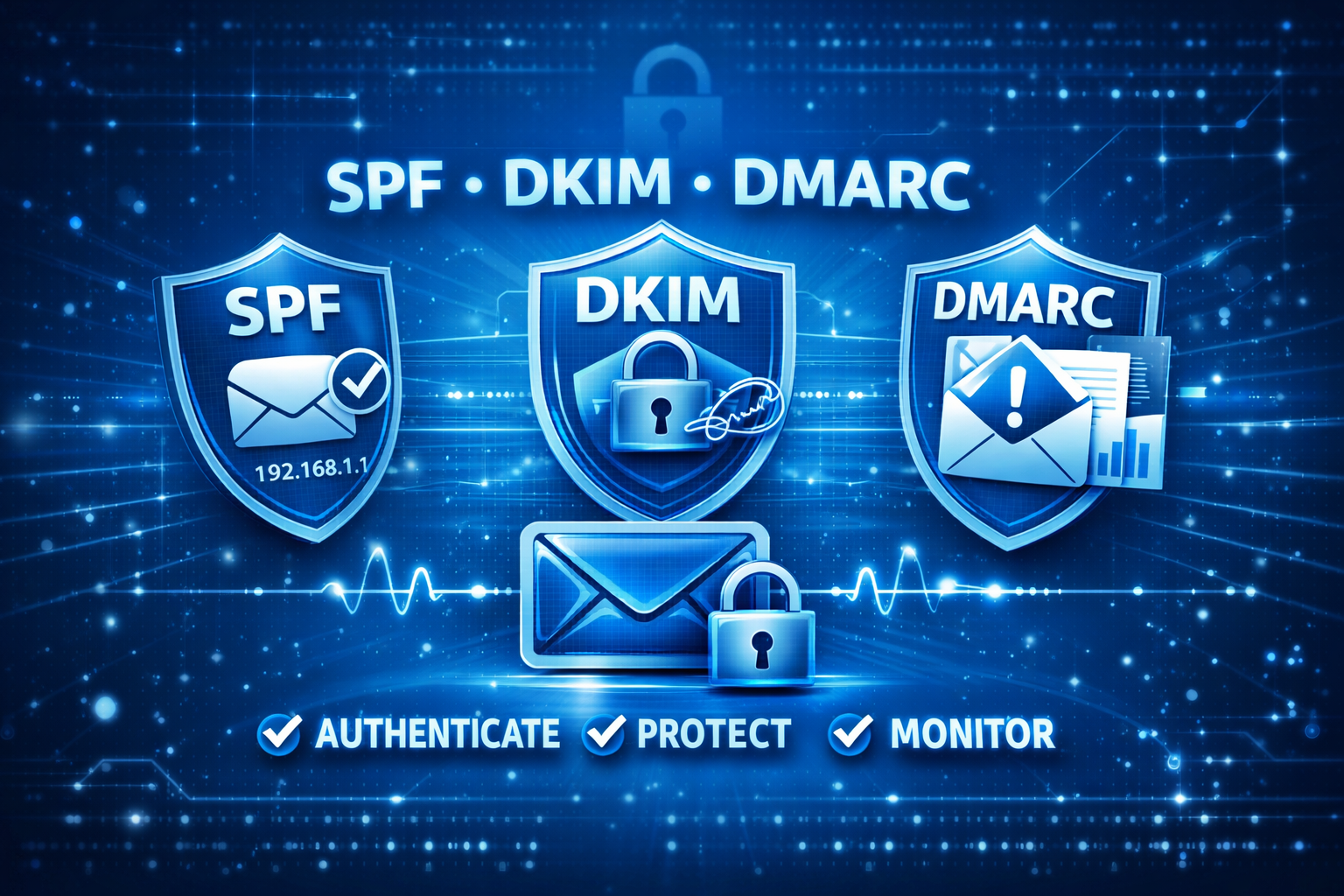
🚀 How SPF, DKIM & DMARC Work Together
- Email is sent → Receiving server checks SPF
- DKIM verifies message integrity
- DMARC enforces alignment & policy
- Reports are generated for domain owners
Together, they form a complete authentication system that boosts trust and deliverability.
✅ Step-by-Step Setup with SunServer.in
- Audit all senders (email provider, CRM, marketing tools, support systems)
- Publish SPF record with authorized services
- Enable DKIM for each sender
- Start DMARC at p=none to monitor activity
- Gradually enforce → move to quarantine → reject
🧩 Common Mistakes to Avoid
- Multiple SPF records (only one allowed)
- Exceeding SPF lookup limit
- Missing DKIM for services
- Ignoring DMARC alignment rules
- Jumping directly to p=reject without monitoring
- Not analyzing DMARC reports
🌟 Why Choose SunServer.in?
At SunServer.in, we specialize in secure email hosting and VPS solutions. Our team ensures your SPF, DKIM, and DMARC records are correctly configured, monitored, and enforced — protecting your brand reputation and maximizing deliverability.
With our KVM VPS NVMe hosting, you get full control over DNS records, advanced security, and the flexibility to manage authentication seamlessly.
📌 FAQs – Frequently Asked Questions About Authenticating Email
Do I need all three (SPF, DKIM, DMARC)?
Yes. SPF verifies the sender, DKIM secures the content, and DMARC enforces policy.
What DMARC policy should I start with?
Always begin with p=none for monitoring, then move to quarantine and reject.
How long do DNS changes take?
Usually within hours, but global propagation may take up to 48 hours.
Do I need DMARC if my domain doesn’t send email?
Yes. A reject policy prevents attackers from spoofing your domain.
Do I need all three of SPF, DKIM and DMARC?
Yes, all three are essential for complete email authentication because each protocol handles a different part of the process. SPF verifies the sender, DKIM ensures message integrity, and DMARC enforces policy. Using only one or two leaves gaps in both security and deliverability.
What is the difference between SPF and DKIM?
SPF verifies whether the sending server is authorised by checking its IP address against your domain’s record. DKIM, on the other hand, uses a cryptographic signature to verify that the message has not been altered. In simple terms, SPF checks the source, while DKIM validates the message itself.
What DMARC policy should I start with?
You should always start with p=none, which allows you to monitor email activity without affecting delivery. This stage helps identify all legitimate senders and detect any issues. Once everything is verified, you can safely move to stricter policies like quarantine and rejection.
How long does it take for SPF, DKIM, and DMARC records to take effect?
In most cases, DNS changes take effect within a few minutes to a few hours. However, full global propagation can take up to 48 hours, depending on your DNS provider and TTL settings. It’s important to verify records after this period to ensure they are correctly applied.
What happens if my emails fail DMARC?
The outcome depends on your DMARC policy setting. Under p=none, emails are delivered normally and only reported. Under p=quarantine, they are typically sent to spam or junk folders. Under p=reject, they are blocked at the SMTP level and never delivered to the recipient.
Do I need DMARC if my domain doesn’t send email?
Yes, implementing DMARC on a non-sending domain is highly recommended. It prevents attackers from spoofing your domain for phishing or fraud. Setting a p=reject policy ensures that any unauthorised email is automatically blocked.
🔐 Final Word
SPF, DKIM, and DMARC are non‑negotiable in 2026. With SunServer.in, you can secure your domain, protect against spoofing, and ensure your emails land in the inbox — not the spam folder.





 Free domain for the 1st year
 + get 81% OFF + free months


 How do we decide which hosting providers to recommend?